> Products > Software > TI Studio Mobile Client
TI Studio Mobile Client
The TI Studio APP seamlessly integrates with front-end handheld devices, offering efficient and comprehensive analysis of raw infrared thermal images captured by handheld thermal imagers. It provides features such as intuitive browsing, secondary image analysis, report generation, thereby furnishing users with a feature-rich and user-friendly analysis tool for applications including power equipment inspections, industrial temperature measurements, equipment maintenance, HVAC repairs, and automotive diagnostics.

Core Functions
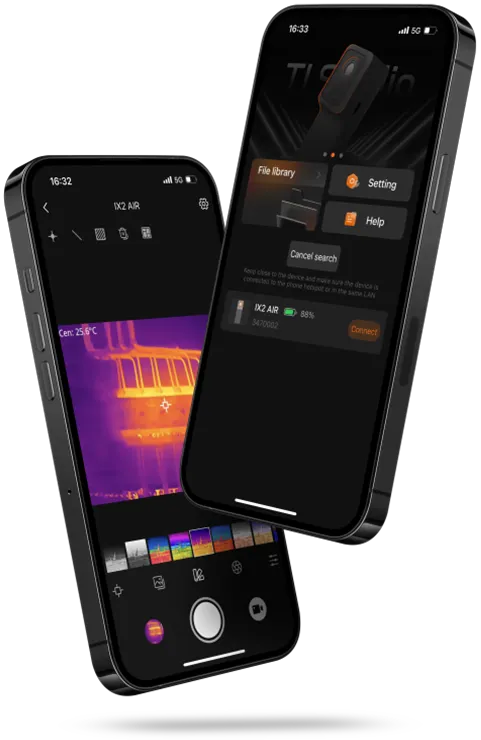
Preview & Control
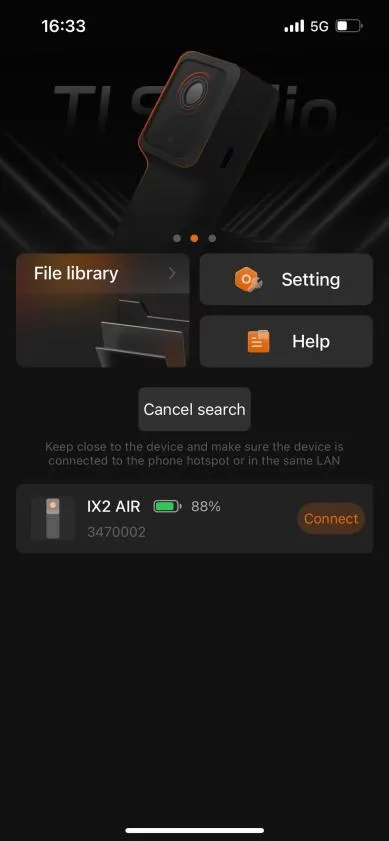
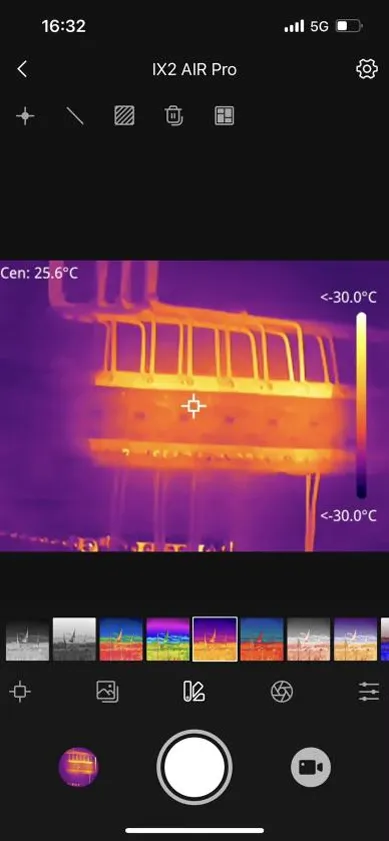
After connecting the device, users can view real-time footage and perform remote control operations, facilitating distant monitoring with ease.
Snapshot and Recording
Upon connection, download device images to your smartphone. Offers management of images and temperature measurement reports, with a one-click sharing feature.
Thermal Image Secondary Analysis
Supports over a dozen palette modes for richer imagery; provides analysis tools for temperature objects at various levels of detail (point, line, area), catering to diverse analytical requirements.
File Transfer & Management
Enables downloading of device images to your mobile after establishing a connection. Facilitates management of images and temperature measurement reports, also allowing for instant sharing.
Multi-Language Support
Accommodates up to several languages including Chinese, English, Japanese, French, and more, catering to a globally diverse user base.
Application Value
Versatile Analytical Tools
- Enables in-depth image analysis to ensure no abnormal temperatures go unnoticed.
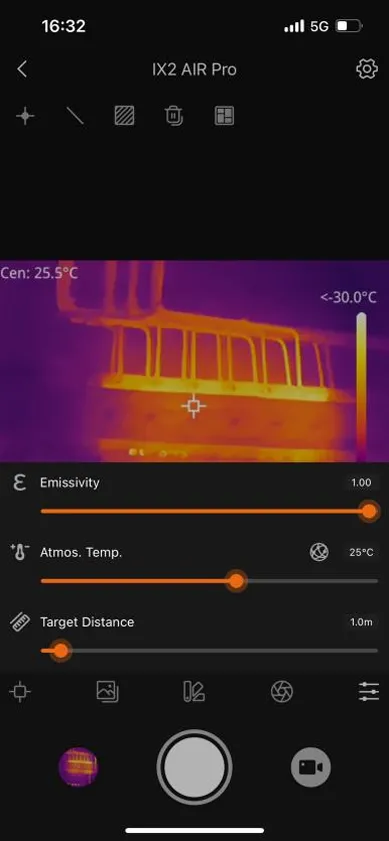
- Allows adding points, lines, or areas for temperature tracking, catering to a wide range of analysis needs.
- Clearly displays minimum, maximum, and average temperatures for each tracked object, simplifying understanding of thermal results.
- Offers over ten palette options for enhanced image depth and detail in thermal imaging.
Adaptability Across Multiple Scenarios
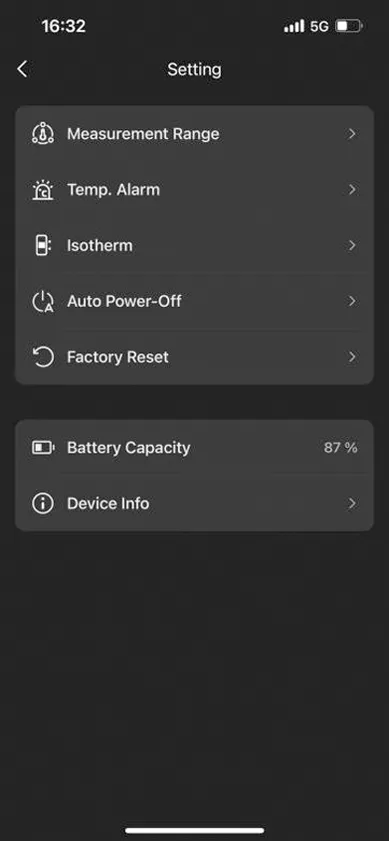
- Adjustable parameters such as emissivity, ambient temperature, and target distance for precision in varied contexts.
- Supports multiple image display modes (thermal imaging, fusion, visible light, picture-in-picture) to suit diverse inspection environments.
- Quick temperature span settings focus on critical temperature zones, enhancing situational awareness.
Enhanced Maintenance and Patrol Efficiency
- Real-time video preview ensures continuous monitoring of temperature distribution and changes in the target area.
- Snapshot and video recording capabilities facilitate remote monitoring and tracing of faults back to their origin.
- An organized file library for easy management of images and report documents, streamlining data handling processes.
- One-click report generation and seamless sharing capabilities with third-party apps like WeChat, expediting collaboration and decision-making.